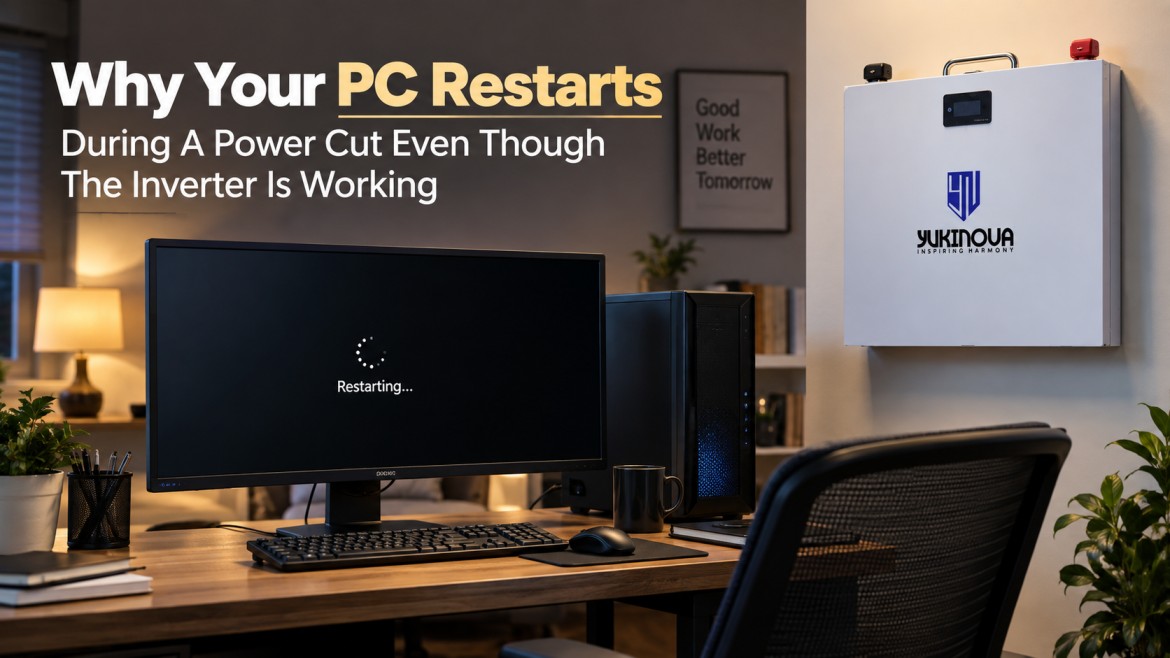
You are working on your desktop when the power goes out. The lights stay on. The fan keeps running. The Wi-Fi does not stop. Yet the computer restarts. At first, it feels like the inverter is faulty. But that is not always true. Even the Best Inverter for Home must match the type of load connected to it. A desktop computer can react differently from a fan or light because it needs a steady power supply and a fast changeover when the grid fails.
Why The PC Restarts But Other Appliances Keep Running
Fans and lights can usually handle a very short break in power without any obvious problem.
A desktop computer is more sensitive.
When electricity fails, the inverter has to switch from grid power to battery power. If that change takes too long, even for a short moment, the computer’s power supply may lose input. The PC then shuts down or restarts.
That is why a home can appear fully powered while the computer still goes off.
For people who work from home, edit videos, design, code, or use gaming PCs, this small restart can mean lost work.
The Best Inverter For Home Must Match Sensitive Loads
Many buyers choose an inverter by looking only at how many fans and lights it can run.
That works for basic backup. However, a desktop changes the requirement.
A modern PC may use a powerful processor, graphics card, large monitor, and other devices. Its power demand can also rise suddenly during gaming, rendering, editing, or other heavy tasks.
So, the Best Inverter for Home is not simply the one with the highest VA number. It should suit the appliances that actually need backup.
Before buying, list what will remain connected during a power cut:
- Desktop PC
- Monitor
- Wi-Fi router
- Fans
- Lights
- CCTV
- Other work equipment
This gives a much clearer picture of the real load.
Sudden PC Load Can Expose A Weak Setup
A computer does not always draw the same amount of power.
While browsing the web, the load may remain low. Start a game or video render, and the demand can rise quickly.
Now imagine the grid fails at that exact moment.
The inverter has to switch to battery mode while also supporting the higher load. If the system is already close to its limit, the voltage may dip for a moment. The computer may restart even though the other appliances continue running.
For this reason, some extra load margin is useful when planning backup for a desktop setup.
Battery Condition Also Matters
The inverter may be correctly sized, but the battery still has to supply enough power.
An old or partly charged battery may struggle when the load suddenly increases. Poor cable connections can create a similar issue.
A Lithium Battery for Inverter use can be one option for users who want faster charging, compact size, and consistent power delivery. However, the battery must still match the inverter voltage, charging settings, and load.
Changing only the battery will not fix a poorly matched system.
Check The Computer Power Supply Too
Sometimes the inverter is not the only place to look.
The PC’s SMPS, or power supply unit, also plays a role. A good SMPS can handle small changes in input better than a weak or overloaded one.
If the computer restarts only during heavy use, check whether the SMPS has enough capacity for the processor and graphics card.
Also check the power strip, socket, inverter wiring, and cable connections.
A loose connection can create a short voltage drop that affects a computer before it affects a fan.
What Should You Check Before Replacing The Inverter?
If your PC restarts during a power cut, do not replace the inverter immediately.
First check:
- Total connected load
- Inverter capacity
- Changeover performance
- Battery charge level
- Battery condition
- Cable and terminal condition
- PC power supply capacity
- Heavy loads connected at the same time
This helps separate a sizing problem from a battery or computer problem.
The Best Inverter for Home should be selected as part of the complete system, not as a stand-alone product.
How Yukinova Looks At Home Backup
At Yukinova, we look at what the customer actually wants to keep running.
A home that only needs fans and lights has different needs from a home office with two computers, CCTV, Wi-Fi, and other electronics.
That is why load, backup time, charging needs, and battery type should be considered together.
For some users, a Lithium Battery for Inverter setup may fit the need. Others may require a different battery and inverter combination.
The right setup depends on the real use case.
Final Thoughts
If your desktop restarts while the fan and lights stay on, the inverter is not necessarily faulty.
The problem may come from changeover time, a sudden rise in PC load, low battery charge, wiring, or the computer’s own power supply.
So, when choosing the Best Inverter for Home, think beyond basic appliances. If your work depends on a desktop, the backup system should be planned for sensitive electronics too.
A good inverter should not only keep the room powered.
It should help keep your work from disappearing when the grid does.
Frequently Asked Questions
1. Why Does My Computer Restart When The Power Goes Out?
The inverter may take a short time to switch from grid to battery power. A sensitive desktop power supply may react to that brief interruption and restart.
2. Why Do The Fans Stay On While My PC Restarts?
Fans and lights can handle a very short power change more easily. A computer needs a steadier power supply.
3. Does A Bigger Inverter Stop PC Restarts?
Not always. Capacity matters, but changeover performance, battery condition, wiring, and the PC power supply also matter.
4. Is A Lithium Battery For Inverter Use Better For A Home Office?
It can be a suitable option because of its charging and power-delivery characteristics. However, the battery must match the inverter and load.
5. Can A Weak PC Power Supply Cause Restarts?
Yes. If the SMPS is undersized, ageing, or overloaded, the computer may restart when the input power changes.
6. How Do I Choose The Best Inverter For Home And PC Use?
Start with the total load. Include the PC, monitor, router, fans, lights, and other devices. Then choose an inverter and battery that support that load with suitable backup and charging capacity.